


 Where To Buy
![[+] View Larger Image](https://www.buffalotech.com/images/product_images/899/drivestation_duo_angle.jpg)
![[+] View Larger Image](https://www.buffalotech.com/images/product_images/899/drivestation_duo_front.jpg)
![[+] View Larger Image](https://www.buffalotech.com/images/product_images/899/drivestation_duo_back.jpg)
![[+] View Larger Image](https://www.buffalotech.com/images/product_images/899/drivestation_duo_cover_removed.jpg)
![[+] View Larger Image](https://www.buffalotech.com/images/product_images/899/drivestation_duo_disk.jpg)
DriveStation™ Duo

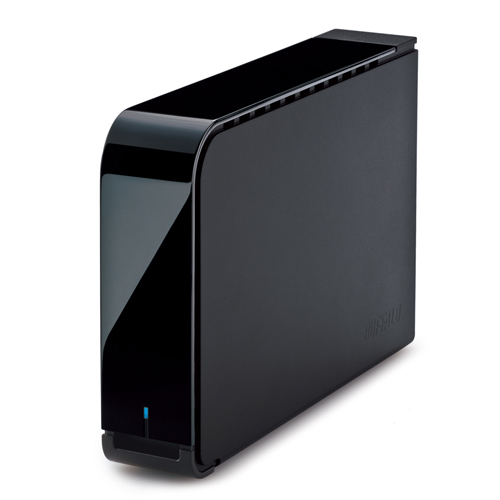
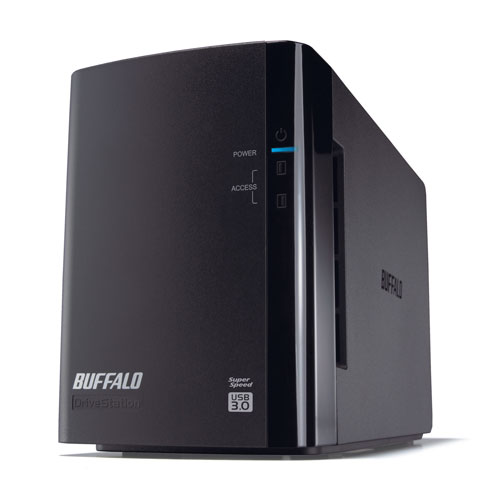
Buffalo’s DriveStation™ Duo is a 2-drive, RAID enabled USB 3.0 storage solution ideal for small servers, creative professionals, offices and consumers who need redundant, high-performance external storage.
Click to check price Click to contact sales DataSheet HD-WH
Overview
DriveStation Duo is a high performance, 2-drive desktop storage and backup solution. Equipped with two optimized hard drives, DriveStation Duo features the redundancy and performance required for demanding professional and server applications.
Highlights
- High performance NAS hard drives optimized for continuous 24/7/365 operation
- USB 3.0 offers universal connectivity for PC and Mac® computers
- Schedule automatic backups for your PC or office server with NovaBACKUP® Buffalo Edition
- Time Machine® support offers scheduled backups for protecting Mac computers
- RAID 1 support and hot-swappable hard drives provide comprehensive data protection
 HIGH PERFORMANCE HARD DRIVES
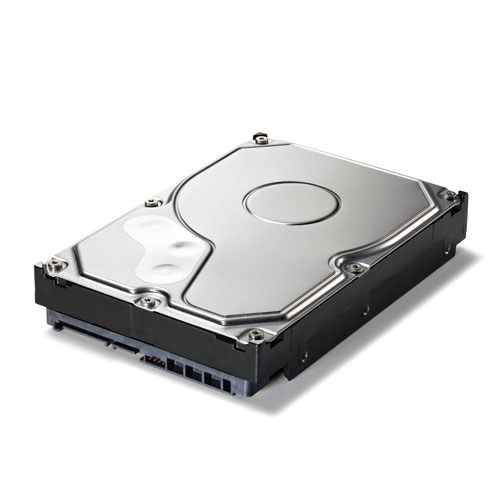
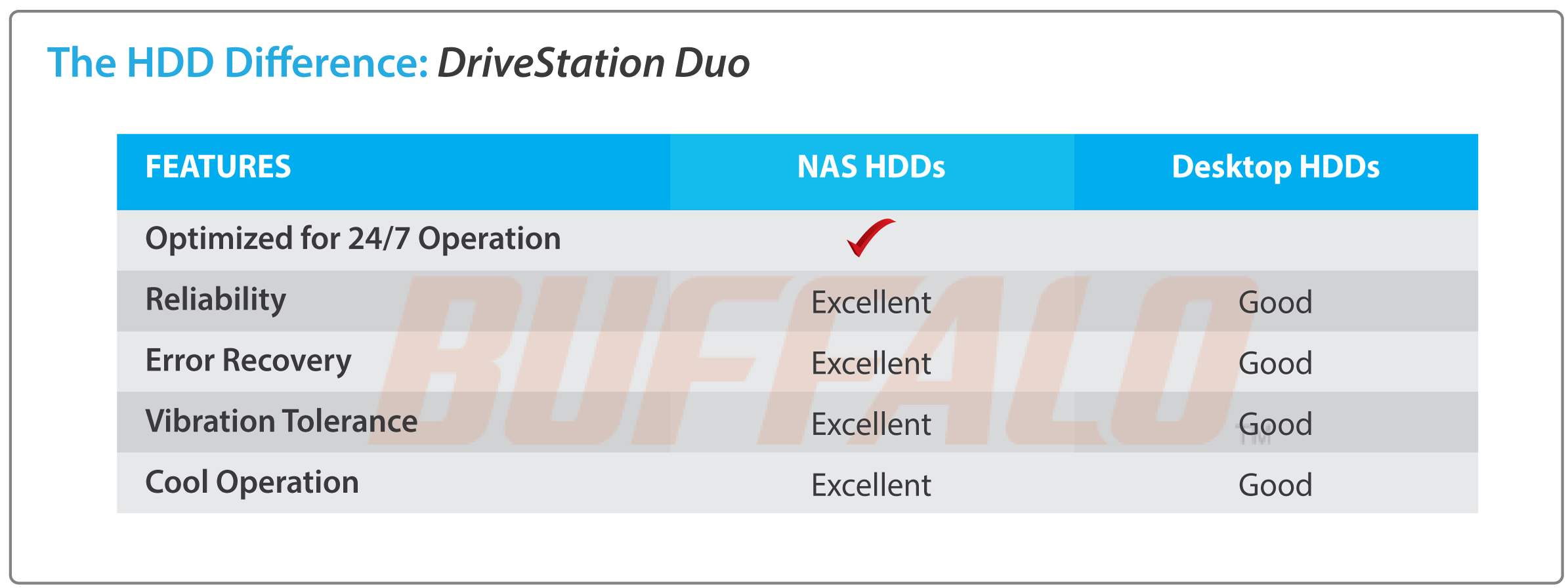
DriveStation Duo features two high performance NAS hard drives optimized for continuous 24/7/365 operation with enhanced RAID performance. These cost-effective hard drives run cooler, last longer and reduce meantime between failure.
 EASY TO USE STORAGE
With terabytes of storage, DriveStation provides a reliable, easy to use storage solution to quickly expand the capacity of your PC and Mac computers with universal USB 3.0 plug-and-play.
 EASY SCHEDULED BACKUP
DriveStation Duo is perfect for backing up your important files. Disaster and hard drive failures can occur unexpectedly; don't leave your important files and treasured memories in the hands of chance. DriveStation Duo features eleven licenses of NovaBACKUP Buffalo Edition for Windows® PCs and servers (one server and ten workstations) and Time Machine support for backing up Mac computers.
 FLEXIBLE STORAGE AND REDUNDANCY
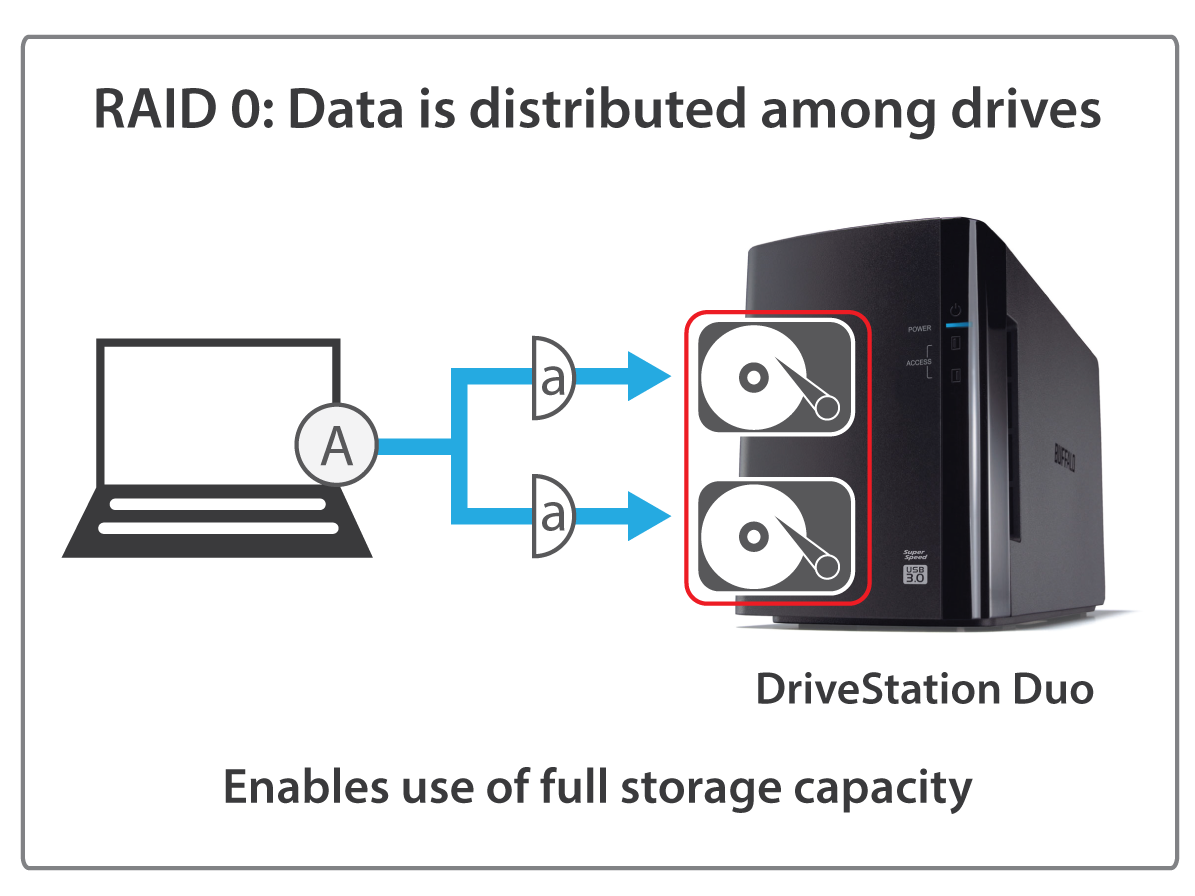
DriveStation Duo provides users the flexibility to easily maximize capacity or protect their data using RAID redundancy.
- RAID 0 combines all drives into a single array offering maximum storage capacity with no redundancy.
- RAID 1 offers maximum redundancy by mirroring both drives. Data is automatically duplicated, so that if one drive fails, the data is kept safe on the other. Buffalo recommends RAID 1 for all devices using two hard drives.

 HOT SWAPPABLE HARD DRIVES
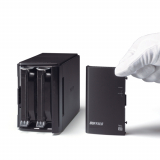
DriveStation Duo's hot swap feature allows a user to replace a hard drive in the event of failure without powering down the device. Simply remove the defective drive, insert the new drive and the data rebuilds while still being available to clients on the network with zero downtime.

 BUFFALO TOOLS
Buffalo Tools is a feature-rich suite of software included with the Buffalo DriveStation Duo. Any or all of the following components of Buffalo Tools may be installed on Windows PCs.
- Buffalo's Backup Utility is a featured backup software for Windows PCs and can be used to back up one or multiple computers with a single Buffalo external hard drive.
- eco Manager is an energy efficiency tool used to conserve energy and reduce battery consumption by regulating the power usage of the hard drive, cutting power to the drive during extended periods of inactivity.
- TurboPC includes two components to enhance file transfer performance with external hard drives. It also includes TurboCopy which provides additional system adjustments to increase performance substantially.
Specifications
Internal Hard Drives
| Number of drives | 2 |
| Drive interface | SATA 3 Gbps |
| Capacity | HD-WH4TU3R1 (2TBx2) HD-WH8TU3R1 (4TBx2) |
| Hard drive type | NAS Grade HDDs |
| Supported RAID | 0/1/JBOD (Individual Disks) |
USB Interface
| Standards compliance | USB 3.0 / USB 2.0 |
| Data transfer rates |
5 Gbps* (USB 3.0) |
| Connector type | Type-A |
| Number of ports | 1 |
* 480 Mbps and 5 Gbps are the maximum transfer rates derived from the specifications of the Universal Serial Bus 2.0 and 3.0. Actual transfer rates will vary depending upon environmental factors. Data rates, features and performance may vary based on the configuration of your system and other factors.
Other
| Dimensions (L x W x H) | 8.03 x 3.38 x 5 in |
| Weight | 4.85 lbs |
| Power consumption | Max 48W |
| Power supply | Internal AC 100-240V Universal 50/60 Hz |
| Operating Temperature | 41˚ - 95˚F (5˚ - 35˚C) |
| Operating Humidity | 20 - 80% non-condensing |
| Client OS support | Windows® 11 Windows® 10 Windows® 8.1 (32-bit/64-bit) Windows® 8 (32-bit/64-bit) Windows® 7 (32-bit/64-bit) Windows Vista® (32-bit/64-bit) Windows® XP Windows® Server 2008 (32-bit/64-bit) Windows® Server 2008 R2 (64-bit) Mac OS® X 10.6 or later* |
| Box contents | DriveStation Duo Setup CD-ROM Quick Setup Guide USB 3.0 Cable AC Adapter Warranty Statement |
| Software License | Windows® SecureLock NovaBACKUP® Buffalo Edition (one server and ten workstation licenses, Register here for download) |
| Compatible Hard Drives | OP-HDWH Series |
*Some included optional utilities are not supported.
Resources
|
Comparison Chart |
Downloads
Firmware
| File Size | Post Date | Version | OS Support | Notes | ||
 |
Download | 2016-04-25 | 1.10 | Windows | Firmware update for the HD-WLU3 and HD-WHU3 | |
|
Download | 2016-04-25 | 1.10 | Mac | Firmware update for HD-WLU3 and HD-WHU3 |
Documentation
| File Size | Post Date | Version | OS Support | Notes | ||
|
View Site | 2016-05-05 | Quick Setup Guide and User's Manuals for DriveStation Duo HD-WHU3 | |||
|
Download | 2016-04-25 | 1.10 | Windows | Readme for firmware update | |
|
Download | 2016-04-25 | 1.10 | Mac | Readme for firmware update | |
|
Download | 0.605 KB | 2016-04-25 | 1.35 | Windows | TurboPC EX Readme |
Utilities
| File Size | Post Date | Version | OS Support | Notes | ||
|
Serial Number Lookup | 12.15 MB | 2016-04-25 | 1.35 | Windows | TurboPC EX |
|
Serial Number Lookup | 2016-04-25 | 1.00 | DriveStation CD for HD-WHU3 and HD-QHU3. Includes RAID utility for Windows/Mac and NovaStor NovaBACKUP for Windows. | ||
|
Serial Number Lookup | 2020-06-02 | 4.12.86 | Windows | RAID Utility for DriveStation Duo and Quad for x64 Windows | |
|
Serial Number Lookup | 2020-06-02 | 2.02 | Mac OS | RAID Utility for Mac for DriveStation Duo x64 |
Variations

Replacement Fan for DriveStation Duo
You May Also Like
DriveStation™ Quad
DriveStation™ DDR